Compare two checkout totals for the same item
Put two offers on equal terms and compare what you would actually pay after delivery, discounts, taxes, and fees.

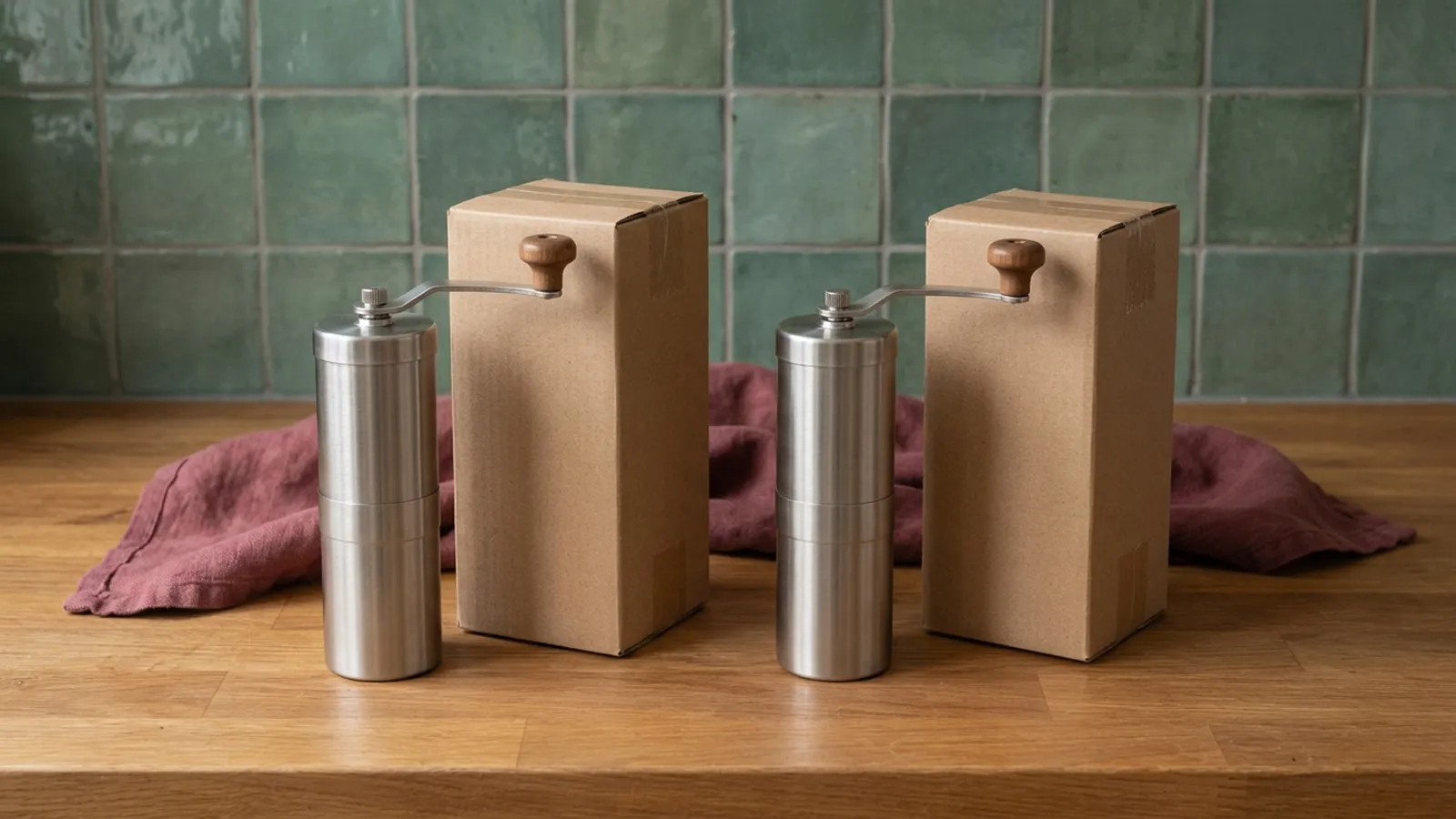
If two shops show different prices on the same item, put both through the same checkout comparison. The number on the product page is only one part of the bill. The useful number is the total for the item and delivery you would choose.
Match the purchase before comparing the money
Check the full model number, quantity, condition, and included parts. On a marketplace, note who sells and fulfills each offer. If those sellers differ, check which one you would contact about delivery or a return before approving the order.
Use the same delivery ZIP code and compare the same delivery method. If you need the item by Friday, only include offers that show a delivery estimate that could work. If you’re open to pickup, compare it separately and factor in the trip. Use your actual membership or account eligibility. A discount for a membership you don’t have belongs in a separate calculation with the cost of joining.
Write down the amount due and anything conditional
Advance each cart far enough to see the order summary before placing the order. Record the subtotal, an eligible discount actually applied, delivery, displayed tax, and required fees. If a charge is unknown until a later step, mark that total as incomplete. Compare the amounts that include the same things.
The FTC advises checking the total price, including shipping, handling, taxes, and fees, and reading the conditions on advertised offers. Note whether the discount requires a larger basket, a membership, or an item you hadn’t planned to buy (FTC Consumer Advice, checked November 21, 2026).
Check the order quantity again after adding a promotion. If an offer adds a second item or changes the shipping method, see what the cart costs after you restore the purchase you actually wanted. Put optional add-ons on a separate line. If you genuinely want one, price it on both sides. If part of the offer comes as credit for a future purchase, record today’s amount due first and note the future credit separately. That keeps the choice clear even if you never use the credit.
Illustrative example — Two carts for the same coffee grinder
Suppose you’re comparing two offers for the same new grinder, with the same accessories, shipped to the same ZIP code by standard delivery. Both estimates meet your deadline. All amounts below are illustrative worksheet inputs, including the displayed taxes.
| Checkout line | Illustrative cart A | Illustrative cart B |
|---|---|---|
| Item price | $84.00 | $92.00 |
| Discount applied | $0.00 | −$5.00 |
| Standard delivery | $12.00 | $0.00 |
| Required handling fee | $3.00 | $0.00 |
| Tax shown | $7.92 | $6.96 |
| Total due | $106.92 | $93.96 |
Cart B costs $12.96 less under these conditions, even though its starting item price is higher. If the $5 discount drops out, check the updated tax and total in that cart rather than adding $5 to the old total and assuming nothing else changed.
Save the dated summary for the offer you choose. If the total changes before payment, check which line moved. If it’s a fee you don’t understand, ask the seller before placing the order.

Common questions
What if delivery takes much longer from the cheaper seller?
Write down the earliest and latest dates shown. If only one offer can plausibly meet your deadline, you’re choosing between a higher cost and a risk that needs a fallback.
What if the carts have different return terms?
Record that beside the totals. A return fee or a shorter window can matter if you’re unsure the item will fit. Check the actual seller’s policy for the item before comparing that cost.
Sources
- Federal Trade Commission. Online Shopping. Checked November 21, 2026.