Compare new, refurbished, and open-box versions of one item
Compare three versions of the same item by condition, included parts, seller, return terms, warranty, and the total you’d pay.


Three listings can carry the same model number and give you three different purchases. Compare what will arrive, who stands behind it, and what it takes to send it back. Then decide how much of a saving would make a different condition worth buying.
Read each offer as its own purchase
Start with the exact model and variant. Note the seller’s name separately from the website where the listing appears. Ask the seller what its condition label means on that listing. For open-box stock, check for wear, damage, missing pieces, or incomplete packaging. For refurbished stock, look for who did the work, which functions were checked, and what the seller says about any part that wears out. The FTC advises reading the full product description and paying attention to terms such as refurbished when you compare offers (Federal Trade Commission, checked November 21, 2026).
List the parts you need to use the item on day one. If a charger or mounting bracket is missing, check the cost of a compatible replacement and any extra shipping. Keep an unknown as an open question. If you can’t verify whether the missing part is available, the listing may be hard to compare even with a clear price.
Put the terms beside the total
| Row | What to record for each offer |
|---|---|
| What arrives | Model, condition details, included parts, and any missing or damaged items |
| Seller and returns | Who sold it, whether it can be returned, any return charges, and who accepts it |
| Warranty | Who provides it, what it covers, and what it costs to use |
| Total to use it | Checkout total plus the cost of any essentials you must obtain separately |
Check which warranty applies to that unit and seller. The FTC suggests reading who handles claims, what they cover, and whether you pay for labor or shipping (Federal Trade Commission, checked November 21, 2026). Read the return terms separately so you know your options if the item arrives in a condition you didn’t expect. Save both sets of terms and any written answers you’re relying on.
If the return period is short, check when it starts and whether you could inspect the unit and test its features in time. Give any extra wait for a missing part its own note.
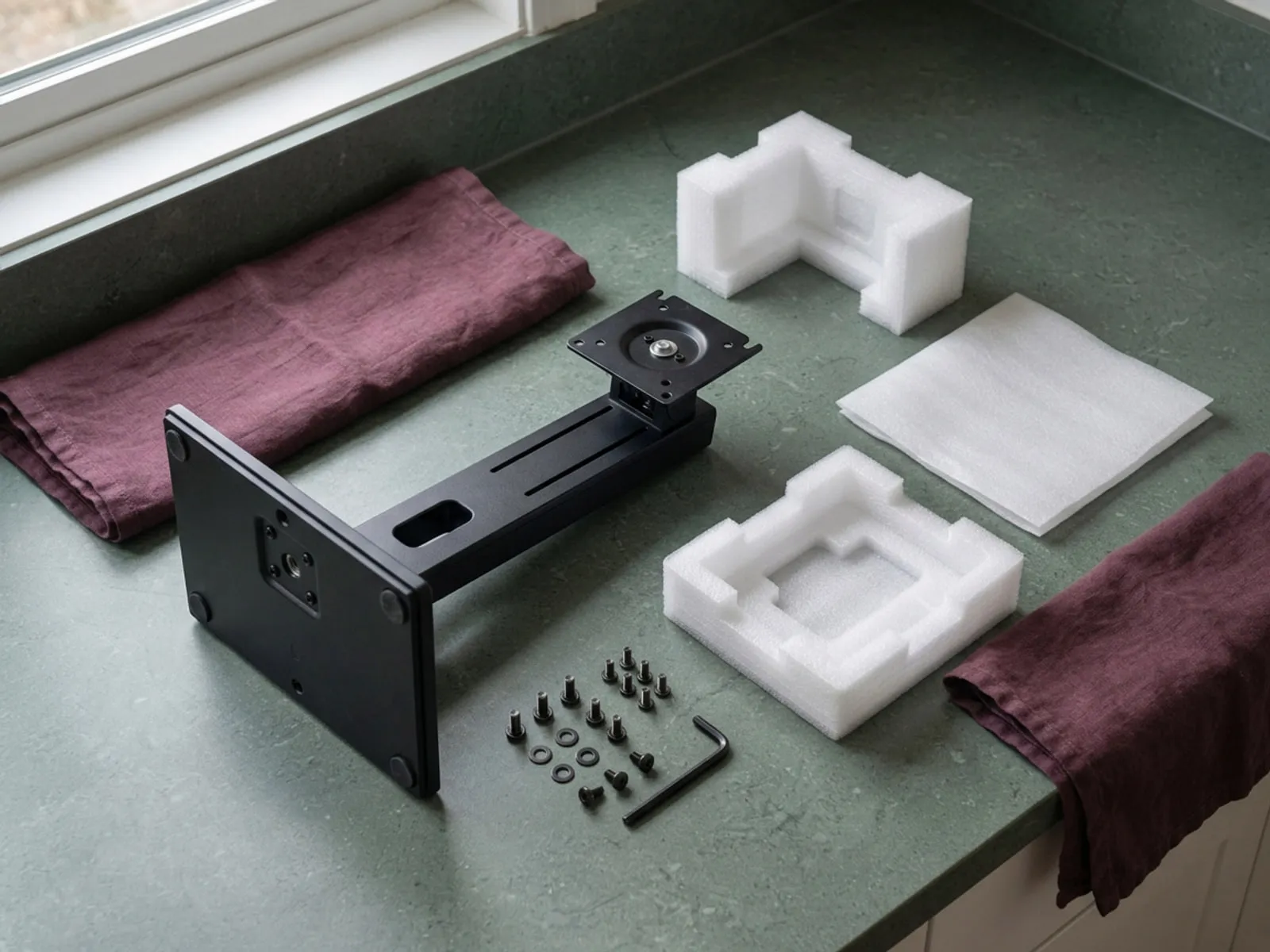
Illustrative example — Three listings for a monitor
Suppose you find the same monitor in three listings. The delivered totals include the applicable charges in each cart.
| Offer | Delivered total | Extra needed to use it | Total to use it |
|---|---|---|---|
| New, with stand | $165 | $0 | $165 |
| Refurbished, with stand | $134 | $0 | $134 |
| Open-box, stand missing | $116 | $27 delivered for a compatible stand | $143 |
The open-box listing has the lowest checkout total. With the stand, it costs $9 more than the refurbished monitor. The refurbished one is $31 below the new one. The amount you save gives you a way to weigh the differences in the terms. You still need to verify what the seller tested, what would happen if the screen arrived with a flaw, and who would pay to ship it back. If the return answers are unclear, you can compare the new and open-box offers while you wait for clarification. If you already have a compatible stand, run the numbers again using zero added cost.
Common questions
What if the listing uses a condition grade?
Ask which flaws are permitted in that grade and whether the description applies to the actual unit. If the seller shows a sample photo, check what it says about the condition of the unit it will send.
Is a shorter warranty always worth less to me?
Compare the coverage and the likely cost of using it alongside its duration. A shorter term may still suit your needs if it covers the problems you care about and offers a practical way to claim.
Sources
- Federal Trade Commission. Online Shopping. Checked November 21, 2026.
- Federal Trade Commission. Warranties. Checked November 21, 2026.