Check a price-adjustment policy when an item goes on sale
Check whether a lower price qualifies for an adjustment, gather the receipt and offer details, and ask the seller for the next step.

If the price drops after you buy something, check whether the seller will adjust what you already paid. Start with the receipt and the current listing. You’ll need enough detail to show that the lower price applies to the same item under terms the seller accepts.
Find the rule for a purchase you already made
Look for a policy that addresses purchases already completed. A seller might match a rival’s price before checkout and use different rules for a later price drop. The FTC suggests checking whether an online seller offers a credit or refund when the same item goes on sale afterward (Federal Trade Commission, checked November 21, 2026).
Find out when the seller counts the eligibility period from and how you must submit the request. Read any conditions about where you bought it, who sold it, which prices qualify, and which promotions are excluded. Use the policy for your purchase channel. If the receipt shows a marketplace seller, check whether the marketplace or that seller handles the request. Save the policy with the date you found it. If it has changed, ask which version applies to your purchase.
Make the two prices easy to verify
- Your purchase. Pull out the order or receipt number, date, item number, and what you actually paid for the item after any discounts.
- The new offer. Save the listing link or a screenshot showing the price, exact model, variant, condition, seller, and the date you checked. Note any membership, coupon, or delivery terms tied to the offer.
- The request. Say what you bought, when you bought it, where the new price appears, and how you’d like the seller to respond.
The FTC recommends recording model details and keeping purchase records when shopping online (Federal Trade Commission, checked November 21, 2026). If the product page changes by ZIP code or after you sign in, save the conditions under which you saw the price. Check whether the lower price still appears before you send your request. Use the seller’s normal contact route and share only the order details it needs to look up the purchase.
If your receipt shows a multibuy promotion or store credit, ask how the seller would treat it. The difference between two displayed prices might be larger than the actual adjustment.

Illustrative example — A lower price on the same kettle
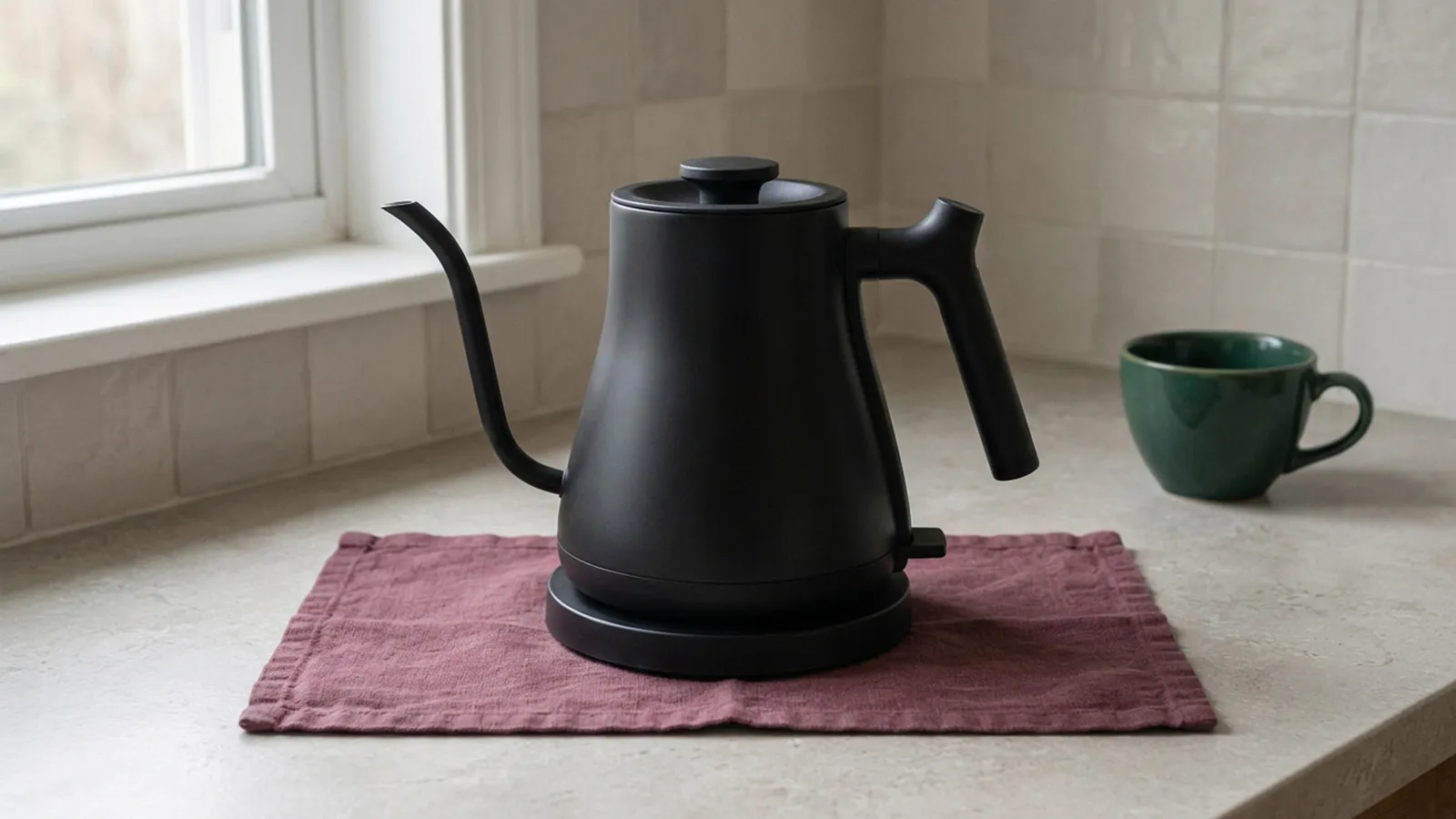
Suppose you paid $64 for an electric kettle from an online retailer. Five days later the retailer lists the same new kettle, in the same color and size, for $52. There’s no coupon attached in this example. The difference in the displayed item prices is $12.
Use the order confirmation to check that the retailer itself sold the kettle. Find the post-purchase policy, verify the period and submission method, then send a short request through that channel.
I bought this kettle for $64 on the date shown on the attached receipt. Your listing now shows $52 for the same model, color, and size. Could you check whether this order qualifies for an adjustment and tell me how it would be issued?
If the seller agrees, ask whether the adjustment is a refund or store credit and where you’ll see it. If the seller declines, ask which policy term affected the answer. Record the reply where you saved the receipt.
Common questions
What if the new price requires a coupon?
Include the coupon terms when you ask. Compare the price you actually paid with the price you can actually get, and check whether the coupon offer is eligible for an adjustment.
What if the seller suggests returning and repurchasing?
Check the return terms separately. Include shipping, deductions, and any differences in delivery time. Verify the lower price and stock before treating a new order as an option.
Sources
- Federal Trade Commission. Online Shopping. Checked November 21, 2026.